

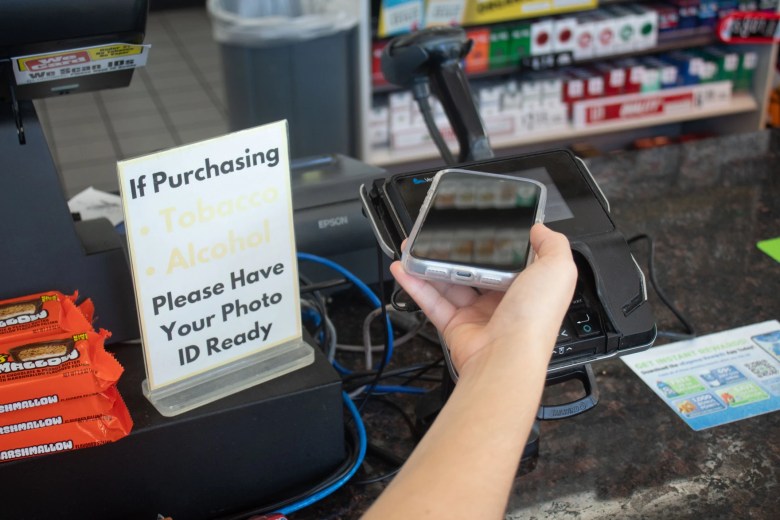
For the first time, Oklahomans can add their state ID and Oklahoma driver’s license to their Apple Wallet. The feature is currently limited to iPhones and Apple Watches.
On Wednesday, Service Oklahoma launched Oklahoma ID in Apple Wallet, becoming the 16th state to allow Digital ID through the major technology company Apple. Puerto Rico also allows the use of Digital ID, and the United States is currently the only country that supports it.
“Oklahoma ID in Apple Wallet provides an easy, private and secure way for residents to present their Oklahoma Digital ID in person at businesses and organizations with compatible mobile ID readers and in select apps that require identity or age verification,” the Service Oklahoma website states.
Oklahoma ID in Apple Wallet can also be used at select TSA airport security checkpoints, including Will Rogers International Airport in Oklahoma City and Tulsa International Airport. Anyone flying must have identification accepted by TSA, whether physical or digital.
Service Oklahoma is using a map to track confirmed locations accepting Oklahoma Digital ID.
According to reporting by Oklahoma Voice, the State House passed a bill earlier this year to allow Service Oklahoma to partner with businesses to issue mobile or digital versions of state identification cards, driver’s licenses or permits. That bill also limits partner companies’ usage of private data.
“Oklahoma ID in Apple Wallet takes full advantage of the privacy and security built into iPhone and Apple Watch and also offers increased security and privacy benefits,” the website states. “Unlike physical ID cards, Oklahoma IDs in Apple Wallet present only the information needed for the interaction, and the user has the opportunity to review and authorize the information being requested before it is shared.”
The service is completely voluntary, but there are some software restrictions. The service requires iPhones running iOS 16.5 and Apple Watches running watchOS 11. Residents can set up a Digital ID through the Apple Wallet app by tapping “Add” and following the on-screen instructions.
There is no charge to add or use a Digital ID.
For more information on setting up a Digital ID, visit the oklahoma.gov website.
This article was originally published by KOSU. You can see the original story here.